A delivery vehicle stops unexpectedly. Its GPS record shows the location and time, but the fleet manager still needs to understand what happened.
Was the road blocked? Was the vehicle involved in an incident? Is there a recording that can help explain the situation?
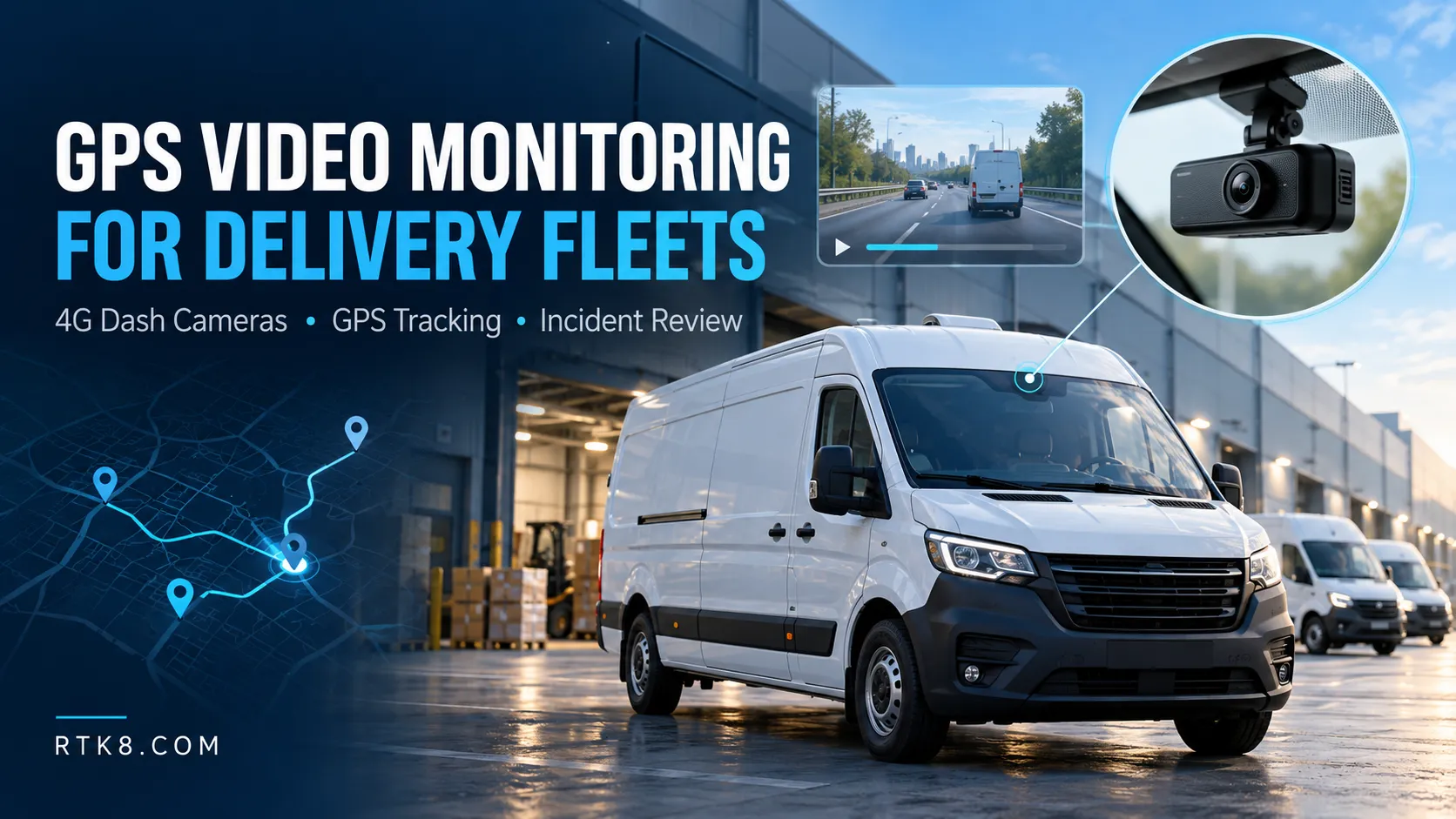
GPS video monitoring for delivery fleets brings location records and vehicle footage into a coordinated review process. However, choosing a suitable system requires more than comparing camera resolution.
Fleet operators should evaluate camera coverage, recording availability, mobile-data use, remote access and the complete device-to-platform connection.
What Is GPS Video Monitoring?
A GPS video monitoring system combines vehicle positioning with camera recording and supported remote-management functions.
A typical solution includes:
- A vehicle camera or connected recording terminal.
- A GPS or GNSS positioning receiver.
- Local video storage.
- Cellular connectivity.
- A platform for location, video and event management.
The positioning receiver determines where the vehicle is located. Cameras record the configured views, while the communication connection transfers supported data to the server.
These functions work together, but they have different requirements. A vehicle can continue recording locally during a cellular interruption if its hardware, power and storage support that behavior. Remote viewing remains dependent on a usable connection.
1. Start with the Questions Your Fleet Needs to Answer
Before selecting hardware, identify the situations the system must help investigate.
A delivery company may need to review road incidents. A service fleet may need to locate vehicles and examine selected journey events. Another operator may need visibility around a vehicle during loading.
Each requirement affects camera placement, recording schedules and access permissions.
Write down the required outcome before requesting specifications. For example:
“An authorized manager must be able to retrieve road-facing footage for a reported incident from the previous working day.”
This requirement is easier to test than a general request for a “smart fleet camera.”
2. Select Camera Views Before Selecting Channel Count
More cameras create more footage, but useful coverage depends on placement.
| Camera View | Potential Use | What to Verify |
|---|---|---|
| Road-facing | Review the scene ahead during a journey | Field of view, reflections and low-light detail |
| Cabin-facing | Review supported in-cab events | Mounting, authorized access and recording controls |
| Rear-facing | Review activity behind the vehicle | Weather exposure and cable installation |
| Cargo-facing | Review the visible loading or cargo area | Lighting, obstructions and recording schedule |
Do not assume that one camera can show every relevant detail.
Test the actual installation in representative vehicles. A camera that performs well on a workbench may capture windshield reflections, dashboard glare or an obstructed view after installation.
3. Separate Recording Resolution from Usable Image Quality
Resolution is only one part of recording performance.
Exposure, motion blur, compression, camera angle and available light all affect whether footage is useful.
Ask for original exported samples from the proposed configuration. Review daytime, night, backlit and moving scenes.
If reading a number plate is a project requirement, define the distance, angle, lighting and vehicle movement involved. A resolution label alone does not guarantee readable plates in every frame.
Also confirm whether the advertised resolution applies to every channel simultaneously.
4. Understand Live View and Historical Playback
Live video and recorded-video retrieval solve different problems.
Live view lets an authorized user see a current camera feed where connectivity and system support are available.
Historical retrieval requests footage from an earlier time. Success depends on the recording existing, remaining on accessible storage and being transferable through the selected platform.
Before buying, test the complete sequence:
Select vehicle → Select time → Request footage → Receive clip → Play and export.
The interface should clearly distinguish a pending request, an unavailable recording and a completed upload.
A successful location update does not prove that the video connection also works.
5. Plan Mobile Data Around Actual Use
GPS messages and video streams have very different data requirements.
Continuous video transmission can consume substantially more data than periodic location reporting. For many fleets, a practical approach is to combine routine GPS updates with selected event uploads and occasional live viewing.
A simplified calculation illustrates the difference:
A 1Mbps video stream running for one hour transfers approximately 450MB of video data.
This is a decimal calculation that excludes protocol overhead, retransmissions and other traffic. Multiple channels increase consumption further.
Estimate the expected number of viewing sessions, clip duration and upload frequency before choosing a SIM plan.
6. Match Storage Capacity to the Required Review Window
Storage should be selected from the fleet’s retention requirement.
A manager who investigates an event three days later needs a different recording window from someone who reviews incidents immediately.
A basic estimate is:
Recording duration = usable storage capacity ÷ combined recording data rate.
Use consistent units and include every active camera channel.
Actual retention also depends on recording schedules, variable bitrate, storage reserved for protected events and formatting overhead.
Confirm what happens when storage becomes full. Loop recording may overwrite older footage, while protected clips may follow separate limits.
7. Keep Video and Location Timestamps Aligned
A map record and a video clip are most useful when their times can be compared reliably.
Ask how the system handles device time, time zones and delayed uploads. Keep the time of recording separate from the time a file reaches the server.
During testing, compare a known event with both the GPS record and camera footage.
If the vehicle temporarily loses its connection, historical uploads should retain their original timestamps. They should not appear to be newly occurring events simply because they arrived later.
8. Verify Ignition-Off Behavior
Delivery vehicles may stop frequently, and a stopped engine does not always mean monitoring should end immediately.
Confirm whether the camera stops with ignition, records for a configured delay or supports a separate parking mode.
Extended recording requires an appropriate power arrangement and vehicle-battery protection.
Do not assume a small internal backup battery can support overnight recording. Its purpose may be limited to completing a file or managing shutdown.
9. Run a Pilot Before Equipping the Whole Fleet
Test several representative vehicles before committing to a wider deployment.
Include ordinary routes, weak-coverage areas, frequent stops and night operation.
Evaluate:
- Whether required scenes are visible.
- Whether recordings remain available for the agreed period.
- How reliably remote clip requests complete.
- Whether video and location timestamps align.
- How much cellular data each vehicle uses.
- Whether shutdown and restart behavior match the requirement.
A pilot should demonstrate the operational result, not simply that the device powers on.
GPS Video Monitoring Solutions from Jinshengchang
Shenzhen Jinshengchang Technology Co., Ltd. supports connected vehicle tracking and camera projects, including hardware selection, firmware requirements and platform integration.
A suitable delivery-fleet solution should be specified around vehicle type, destination country, camera views, recording retention, remote-access needs and fleet size.
For a project discussion, prepare these requirements alongside sample routes and the events your team needs to investigate. They provide a practical starting point for selecting equipment and defining a measurable pilot.
Frequently Asked Questions
Does every 4G dash camera support remote playback?
No. Confirm the device firmware, video protocol, storage access and platform support for the selected model.
Can a camera record without cellular coverage?
A device configured for local recording may continue recording while cellular service is unavailable. Power, storage and firmware behavior must be verified.
Is continuous live streaming necessary?
Not for every fleet. GPS updates, selected event clips and on-demand viewing may meet the operational requirement with lower data use.
Can GPS tracking software automatically display camera video?
Only when the required video integration is supported. Location-protocol compatibility alone does not establish video compatibility.